// blog/how-coding-agents-work
How Coding Agents Work

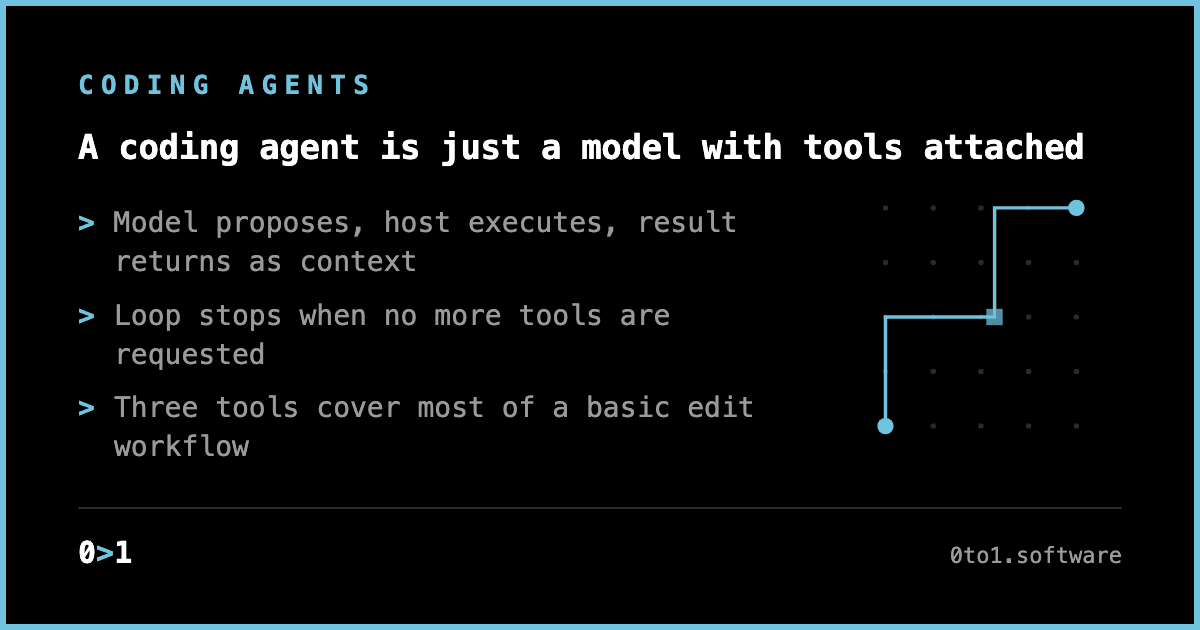
Coding agents work through a small control loop: a language model proposes an action, a local program carries it out, then the result returns to the model as context. Mihail Eric’s 200-line Python implementation is useful because it puts that loop in the open. The loop reads a file, lists a directory, replaces text, and repeats until the model has no further tool request.
That architecture explains why a compact prototype can feel capable, and why production coding tools still need substantially more machinery around the same central mechanism. The model does not have filesystem access; the host program does. The model receives tool descriptions and decides which available action to request, and the host validates and executes that request.
What is a coding agent?
A coding agent is a language-model conversation with tools attached. The user supplies a task in natural language. The model can respond in ordinary text, or it can request an action that the host application knows how to execute.
Eric describes the basic sequence:
- A user asks for a change.
- The model requests one or more tools.
- The local program runs those tools.
- Tool output goes back into the conversation.
- The model uses that output to decide what comes next.
For a coding task, the tools form the practical boundary of the agent’s capabilities. A model that can only read files can inspect code but cannot change it. A model with file editing can propose and apply modifications. Add command execution and the agent can run tests, inspect failures, and make another edit based on the result.
The term “agent” often makes this sound more autonomous than it is. In the implementation described here, it is a bounded loop with an explicit termination condition: the loop stops when the model responds without requesting another tool.
Which tools does a simple coding agent need?
Eric’s example uses three tools:
| Tool | Input | Result | Why it matters |
|---|---|---|---|
read_file | A filename | File path and full contents | Gives the model source context |
list_files | A directory path | Names and types of directory entries | Lets the model navigate a project |
edit_file | Path, old text, new text | Action status | Creates or changes source files |
Those three capabilities support a surprisingly large portion of a basic edit workflow. A model can list the working directory, locate a likely target, read it, and request a replacement. For a new file, it can request an edit with an empty old_str.
The edit convention is simple:
if old_str == "":
    full_path.write_text(new_str, encoding="utf-8")
    return {"path": str(full_path), "action": "created_file"}

original = full_path.read_text(encoding="utf-8")

if original.find(old_str) == -1:
    return {"path": str(full_path), "action": "old_str not found"}

edited = original.replace(old_str, new_str, 1)
full_path.write_text(edited, encoding="utf-8")
return {"path": str(full_path), "action": "edited"}
The replacement only affects the first matching occurrence, and a tool contract like “replace text” needs an answer for repeated strings, missing strings, empty files, and overwrite behavior. The prototype answers some of these cases directly, and returns a clear status when the expected old text does not exist.
Production tools add capabilities such as code search, shell commands, web search, streaming responses, context management, and approval workflows for destructive operations. The small set is enough to show the architecture, but it leaves out verification. An agent that edits a file and cannot run a test has no direct way to check whether the change works.
How does the model know how to use tools?
The host application has to describe each tool to the model. In Eric’s implementation, Python function signatures and docstrings become a textual tool registry.
def get_tool_str_representation(tool_name: str) -> str:
    tool = TOOL_REGISTRY[tool_name]
    return f"""
Name: {tool_name}
Description: {tool.__doc__}
Signature: {inspect.signature(tool)}
"""
The generated descriptions go into the system prompt. The prompt instructs the model to emit tool calls in a constrained line format:
tool: TOOL_NAME({"argument": "value"})
The tool description is the model’s operating manual. It establishes:
- the tool’s name
- the purpose of the tool
- accepted arguments
- expected results
- any behavioral constraints the host chooses to state
A vague tool description forces the model to infer too much. A precise description reduces ambiguity before any code runs. In this example, the edit_file docstring makes the creation convention explicit: an empty old_str creates or overwrites a file with new_str.
The model remains responsible for deciding when it has enough information to act. A request to “add a multiply function to hello.py” should usually lead to a read before an edit, because the existing file contents determine a safe replacement. The model can make that sequence because the tool list gives it an available way to inspect the file before changing it.
How does the coding-agent loop work?
The agent loop has two levels.
The outer loop accepts a user message and adds it to conversation history. The inner loop keeps calling the model until it produces a normal response instead of another tool invocation.
while True:
    user_input = input("You: ")
    conversation.append({
        "role": "user",
        "content": user_input.strip()
    })

    while True:
        assistant_response = execute_llm_call(conversation)
        tool_invocations = extract_tool_invocations(assistant_response)

        if not tool_invocations:
            print(f"Assistant: {assistant_response}")
            conversation.append({
                "role": "assistant",
                "content": assistant_response
            })
            break

        for name, args in tool_invocations:
            response = TOOL_REGISTRY[name](**args)
            conversation.append({
                "role": "user",
                "content": f"tool_result({json.dumps(response)})"
            })
The tool result becomes conversation context. The host program reports what happened rather than deciding the next action itself, and the model sees that report before choosing whether to read, edit, retry, or answer the user.
A typical sequence for editing an existing file looks like this:
User: Add a multiply function to hello.py

Assistant tool request:
tool: read_file({"filename":"hello.py"})

Host result:
tool_result({"file_path":".../hello.py","content":"..."})

Assistant tool request:
tool: edit_file({"path":"hello.py","old_str":"...","new_str":"..."})

Host result:
tool_result({"path":".../hello.py","action":"edited"})

Assistant:
Added a multiply function to hello.py.
The assistant’s final text is the end of a local decision process. It has seen the requested task, the original file content, and the reported result of the edit. That feedback path makes a multi-step workflow possible.
Why does a 200-line coding agent need a parser?
The prototype uses text parsing to find tool calls. It scans each model output line for tool:, separates the function name from the parenthesized JSON object, then decodes the arguments.
def extract_tool_invocations(text):
    invocations = []

    for raw_line in text.splitlines():
        line = raw_line.strip()

        if not line.startswith("tool:"):
            continue

        try:
            after = line[len("tool:"):].strip()
            name, rest = after.split("(", 1)

            if not rest.endswith(")"):
                continue

            args = json.loads(rest[:-1].strip())
            invocations.append((name.strip(), args))
        except Exception:
            continue

    return invocations
This is a workable teaching implementation, with clear limits. The parser expects compact, one-line JSON in parentheses. If the model returns malformed JSON, adds prose around a request, or uses an unknown tool name, the request may be ignored or fail later.
The lesson is that a coding agent needs a reliable boundary between language-model output and executable behavior. The more permissive that boundary becomes, the more validation the host needs before it performs an action.
A robust host should treat model output as untrusted input. The model can request an edit; it should not be able to bypass path handling, argument validation, or approval requirements through the shape of its response.
What are the safety limits of a minimal coding agent?
The example resolves relative paths from the current working directory:
def resolve_abs_path(path_str: str) -> Path:
    path = Path(path_str).expanduser()

    if not path.is_absolute():
        path = (Path.cwd() / path).resolve()

    return path
This is useful for turning a request such as file.py into an absolute location. It does not, by itself, confine file access to a project directory. A safe implementation needs an explicit allowed root and a check after resolution that rejects paths outside it.
The three-tool example also lacks approval steps. Its edit tool can overwrite a file when old_str is empty. That is convenient for a small demonstration and risky for general use. A real interface needs to decide which mutations can proceed automatically and which should be presented for review.
Other limits follow directly from the tool design:
| Limit | What happens in the prototype | Practical implication |
|---|---|---|
| Missing text | Returns old_str not found | The model needs to read again or choose a different edit |
| Large files | Returns full file contents | Conversation context can grow quickly |
| Directory scope | Lists direct entries with iterdir() | No recursive repository understanding |
| Execution | No command-running tool | No test, build, or lint feedback |
| Errors | Basic behavior | Failures need clearer recovery paths |
| Tool access | Direct local file operations | The host must enforce scope and permissions |
These are engineering decisions. Error handling changes whether the loop recovers after an edit failure. Context management changes whether the model can continue working after reading many files. Approval workflows determine which operations remain under human control.
Why is this architecture useful for understanding Claude Code?
The value of the 200-line exercise is architectural clarity. It separates the model’s role from the host program’s role.
The model:
- interprets the user’s request
- chooses among described tools
- constructs arguments
- decides whether more information or actions are needed
- produces the final response
The host program:
- defines the available tools
- exposes their descriptions
- parses requested calls
- runs local operations
- returns structured results
- maintains conversation history
That division also makes debugging concrete. When an agent edits the wrong file, inspect the directory listing, tool description, requested arguments, and returned context. When it cannot complete an edit, inspect whether it read the relevant file, whether the target string appeared, and whether the tool result showed a failure. When it keeps taking actions without reaching an answer, inspect the loop’s stopping condition and the information returned after each call.
The core pattern can fit in roughly 200 lines because it delegates task planning to the model and keeps the host loop small. Production coding agents earn their additional complexity at the boundaries: better tool interfaces, controlled filesystem access, richer error recovery, usable streaming, long-context handling, and mechanisms for reviewing consequential changes.
Sources
Related essays
- How Many Tokens Does Claude Code Send Per Request?
Proxy-level measurements of Claude Code token overhead: the 33k request floor, cache write behavior, instruction file cost, and subagent fan-out.
- How Claude Code's Hidden Prompt Markers Work
Claude Code 2.1.196 embeds steganographic markers in its system prompt based on ANTHROPIC_BASE_URL and timezone. How the mechanism works and who it flags.
- Claude Opus 4.8: What Changed for Agent Builders
What changed in Claude Opus 4.8: effort controls, dynamic workflows in Claude Code, mid-task system prompts in the Messages API, and unchanged pricing.